

The Best Inventory List Templates
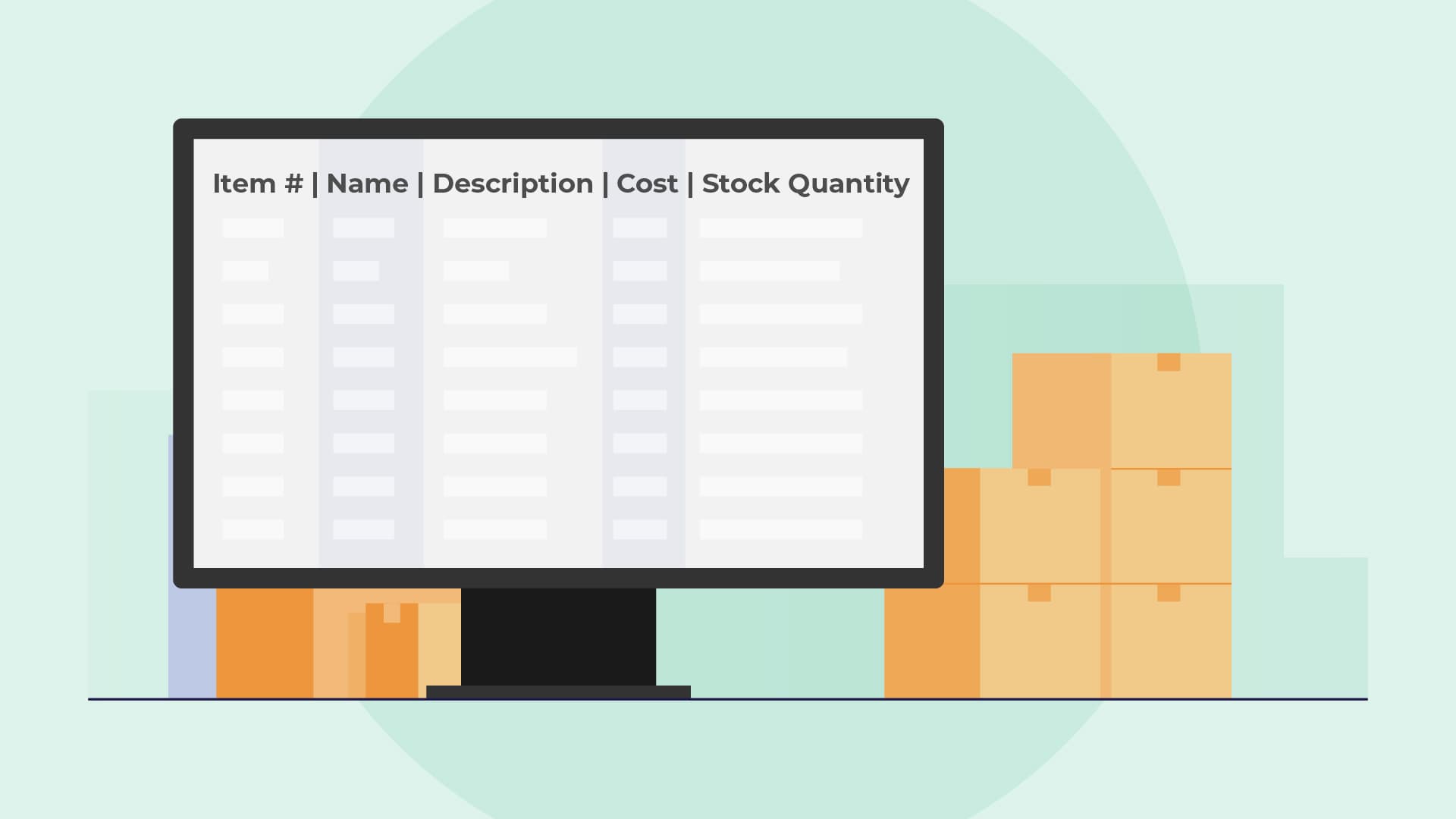
An inventory list is a complete, itemized list of your business inventory. It includes your raw materials, work-in-progress, and finished goods. Your inventory list should contain the item number, name, description, cost, and stock quantity of every inventory item. It should also be kept up to date at all times.
If done correctly, your inventory list becomes one of the most useful tools in your business. It shows the total number of items you have for sale at any time, how efficiently you turn your inventory, and which items are not selling or being used. You can use your inventory information to reduce carrying costs and report on your income tax.
What Are The Benefits of an Inventory list?
 Inventory lists can reduce costs, increase accuracy, and determine inventory turnover.
Inventory lists can reduce costs, increase accuracy, and determine inventory turnover.
Inventory lists have numerous applications:
- Keep track of the items you have for sale: With the right inventory list, you’ll be able to see which items are finished goods and ready for sale at any given moment. So you’ll never miss an opportunity to capitalize on your inventory items!
- Determine Inventory Turnover: Keeping track of your inventory means you can determine how many times (and how quickly) stock items are sold or used and replaced in your store or warehouse. Inventory turnover will help you determine whether you are over or understocking.
- Reduce Carrying Costs: A simple inventory spreadsheet can reduce the amount of money spent on storage because you’ll only reorder stock when necessary. You can make more informed choices about the inventory you are buying and optimize stock levels on your shelves and in your storage facility.
- Greater Accuracy in Financial Calculations: If you keep track of your inventory and record your end-of-year inventory accurately, you’ll simplify tax reporting and planning – and avoid overpaying, or underpaying, on taxes.
The Best Inventory List Templates
 Here are the top lists for inventory management
Here are the top lists for inventory management
We’ve compiled a summary of some of the best lists for inventory management. Take a look at each inventory template to find the one that works best for your business needs.
1. The Smartsheet Inventory List Template
Smartsheet is a popular work management tool that offers very useful tools for inventory management. The interface resembles a simple Microsoft Excel spreadsheet, so it’s easy to master. Their inventory list page contains several useful templates, including a simple template, an office supply inventory list, and even a blank template specifically for managing restaurant inventory. These printable inventory lists are free to download and use but require manual data entry, leaving the door open for human error to slip in.
2. Microsoft Office Inventory List Template
Microsoft offers a very basic equipment inventory list template online. It’s an Excel inventory list template, making it easy to use and accessible. You can note items in stock by name, description, unit price, and other descriptors. You can also add fields like the stock reorder level, reorder times, date, quantity to reorder, and other details for managing simple inventories.
3. Vertex42 Inventory List Template
Vertex42 offers a few inventory list templates, including:
- An asset tracking template for tracking items that have been purchased, the purchase date, and the value of the items;
- An equipment calibration log inventory template you can use to keep track of maintenance at your company;
- A software inventory list template to keep track of software installation, upgrading, and purchases;
- A stock inventory control list to track materials used in manufacturing and maintenance, and a bill of materials inventory list so that you can create a parts list for your manufacturing business.
Some templates are packaged within an add-on on the Vertex42 site, but most are free and easy to use.
4. Sheetgo
Sheetgo has a Google Sheets template containing pre-built tables and formulas. It’s a useful way to track your stock levels and log which items are entering or leaving the warehouse. The sheet features a check-in and check-out tab where responsible team members can register stock that enters or leaves storage.
There’s a current inventory list that automatically updates when you change the status of stock items and a master sheet for managers with dashboards providing an overview of stock levels. The dashboard is automatically populated with the information from the check-in and check-out spreadsheets.
5. Coupler
Coupler is a data integration tool, but they offer several useful inventory templates on their website, including a retail inventory list template, a raw materials inventory Google Sheets template, a vehicle inventory Google Sheets template, a chemical inventory template, and more.
Each template comes with built-in formulas and pre-filled categories that are useful in several different scenarios.
6. Wise
Wise is a multi-currency account platform, but they offer several useful resources for small businesses, including a basic Excel inventory list that you can use to track raw materials and products (per quantity and unit price). You can use the formula to track inventory value per item or to determine when you need to reorder stock.
There is also an Excel inventory management template designed for complex businesses and larger e-commerce stores. It has the same features as the basic inventory template, along with an additional tab to manage your suppliers and their information.
Conclusion
Inventory lists can improve operations and reduce costs. While a free Excel-type inventory template works for many small businesses, as your business grows, you’ll likely need to upgrade your systems and tools to scale efficiently. At that time, implementing an ERP will help your business make better inventory decisions by providing accurate data and automation.
This, in turn, allows control of your logistics and inventory from a single, unified system, thereby reducing human error and improving efficiency. We pride ourselves on the Inventory Management component of 10X ERP, which provides lot-level allocation, tracking, moving, adjusting, and even cycle counting of your inventory, all in real time. If you’d like to learn more, we’d love to chat!
Ready to Transform Your Distribution Business?
Let us help you implement solutions that drive real results.
Contact Us Today